Electronic City
Office Workstation Manufacturer in Electronic City — The Ergonomics Numbers
The measurable ergonomics behind a good workstation: desk height, seat height, monitor distance and viewing angle, and how to set them for Electronic City office teams.
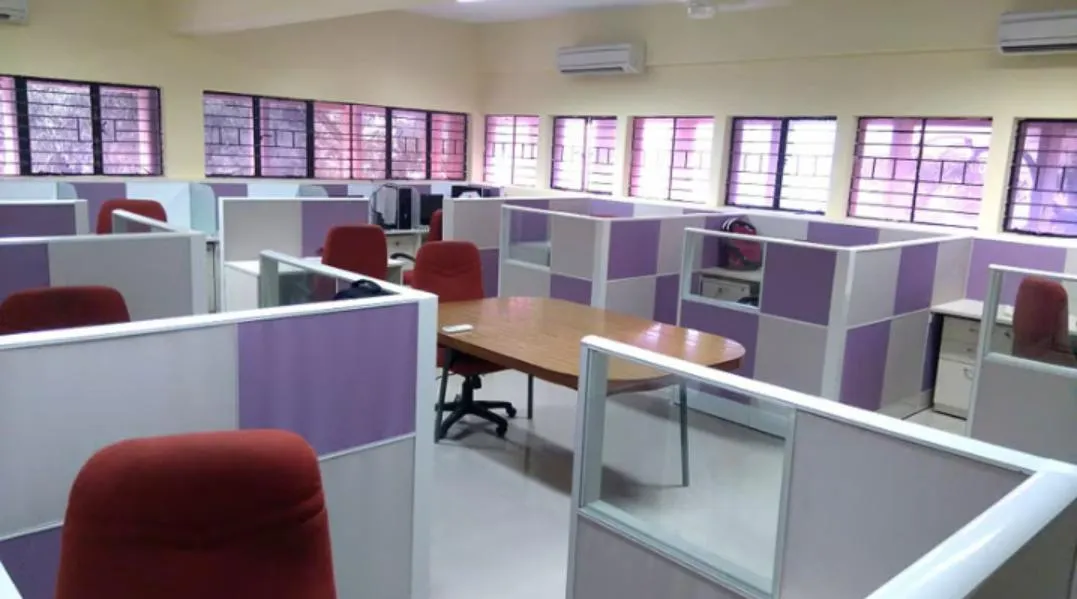
Ergonomics gets talked about in adjectives — comfortable, supportive, healthy. It is actually a set of dimensions, and a workstation either meets them or it does not.
Here are the numbers that matter for a seated screen worker, which describes almost everyone in an Electronic City office.
Desk height
The reference figure is 725-750 mm from finished floor to the top of the worksurface. This is the standard for a reason: it puts the forearms of a median-height adult roughly horizontal when the shoulders are relaxed.
It is a compromise, not a universal fit. A person of 5’2” at a 750 mm desk will have their shoulders raised; a person of 6’2” will be reaching down. The correction is not a different desk — it is chair height plus a footrest:
- Set chair height so thighs are horizontal and feet flat
- If the elbows are now below desk height, raise the chair until forearms are level with the desk
- If the feet now dangle, add a footrest
A footrest costs very little and fixes the majority of posture complaints in an office with fixed-height desks. Budget for them.
Monitor position
- Distance from eye to screen: 500-700 mm for a 22-24 inch monitor. This drives the worksurface depth — 600 mm minimum, 750 mm if the screen is large or there are two.
- Top of the screen at or just below eye level. Not the centre of the screen — the top. Most laptop-plus-monitor setups place the monitor too low because it sits directly on the desk. A simple riser or a monitor arm fixes it.
- Viewing angle downward 15-20 degrees from horizontal to the centre of the screen. The eye is more comfortable looking slightly down than straight ahead.
Knee and leg clearance
Under the worksurface, keep clear:
| Dimension | Minimum |
|---|---|
| Width | 600 mm |
| Depth at knee level | 450 mm |
| Depth at foot level | 600 mm |
| Height under any obstruction | 650 mm |
This is where an under-desk pedestal or a badly placed CPU holder does damage. Both are worth having; both need a position that respects the numbers above.
Screen height between desks
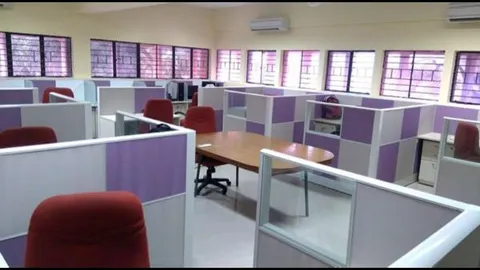
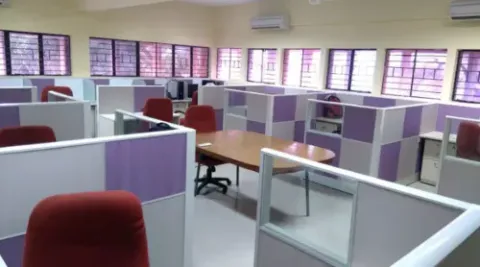
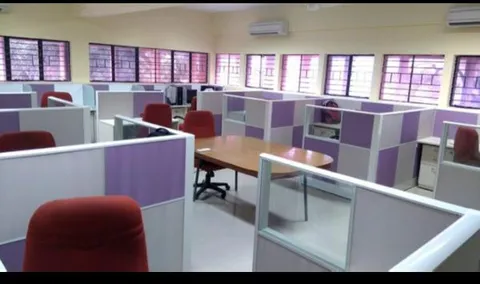
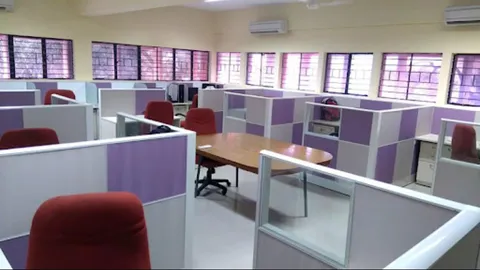
If a screen at a workstation is set at 1050-1200 mm, a seated person cannot see across to the facing desk but a standing person can — which is usually the right balance for a team that needs to focus but also needs to talk to each other. Going to 1350 mm and above starts to isolate people; going below 900 mm provides no visual break at all.
Where laptop-only teams differ
Many Electronic City teams work almost entirely on laptops. A laptop is ergonomically compromised by design — screen and keyboard cannot both be in the right place. The fix is a docking arrangement: laptop on a riser, external keyboard and mouse on the desk. The workstation needs to accommodate that, which means a 600 mm depth minimum and a power/data box on the top rather than a cable draped over the back edge.
Built to your dimensions
We manufacture workstations at our own workshop on Hosur Road in Bommanahalli, so worksurface height, depth and screen height can be set to your specification rather than to a stock size.
Call +91 98807 93666 or email info@srirangainterior.com.