Banashankari
Corporate Office Workstation Manufacturers in Banashankari — Solving the Cable Problem
Power and data routing inside corporate workstations for Banashankari offices — raceways, riser channels, flush socket boxes and planning terminations before installation.
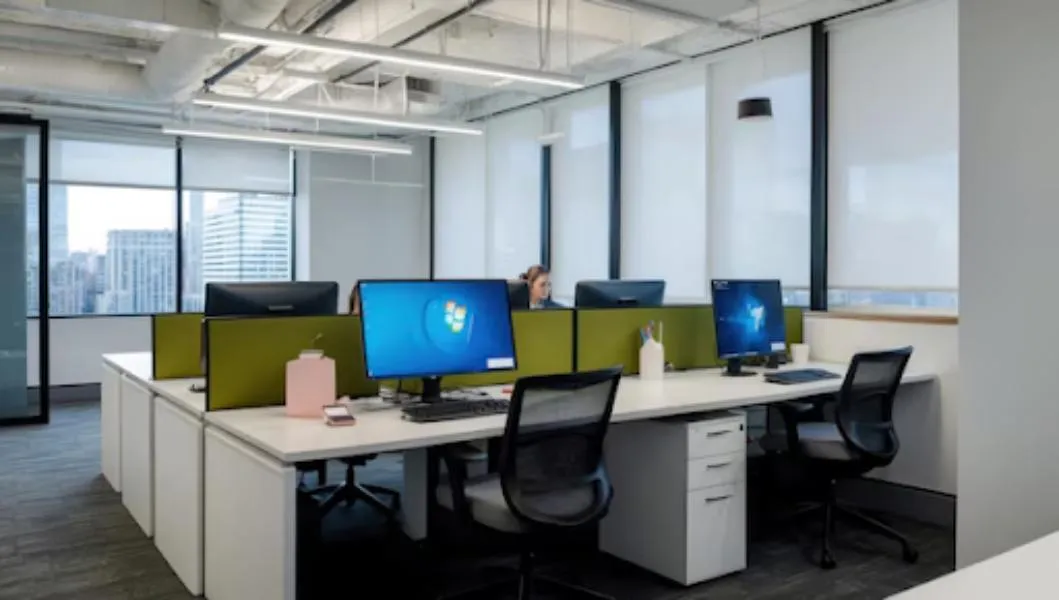
Look under any office desk that has been in use for two years. The bundle of cables you find there is not a housekeeping failure — it is a design failure that was baked in on the day the furniture was specified.
Every seat now carries a laptop charger, a monitor cable, a monitor power lead, a network drop, sometimes a desk phone and a docking station. That is five to seven cables per person. In a 40-seat Banashankari office, that is well over two hundred cables that have to go somewhere sensible.
Design the route before you design the desk
Cable management in a workstation is a route with four segments. Miss one and the whole thing fails.
1. Building to furniture. Power and data arrive from a wall point, floor box or ceiling drop. Fix the arrival position against the furniture layout, not against a generic grid. A floor box that lands under a desk leg is dead weight.
2. The vertical rise. From the floor or wall up into the desk level. This should run inside a post or a dedicated riser channel with a removable cover. Cables strapped to the outside of a leg look temporary because they are.
3. The horizontal spine. A raceway running the length of the desk run at the back of the worksurface or under it. This is where the shared power strip lives and where drops branch off. Size it generously — a raceway that is exactly full on day one has no room for the switch to structured cabling later.
4. The desktop breakout. A flush-mounted power and data box in the worksurface, or a cable grommet in the rear edge. One per seat. Without it, users run leads over the back edge and the raceway underneath goes unused.
Practical specification points
- Separate power and data within the raceway, either with a divider or by running them on opposite sides. Running them bundled together invites interference on longer copper runs.
- Removable raceway covers, not screwed-down panels. Anything that requires a screwdriver will not be opened, and the next cable will simply be draped over the top.
- Slack loops at each seat. Leave enough length to move a desk 150 mm without re-terminating.
- Label at both ends. Trivial, almost never done, and worth its weight the first time a port goes down.
Where storage fits
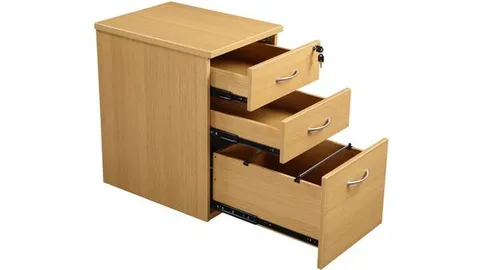
Corporate workstations usually carry a mobile pedestal and sometimes an overhead unit. Both compete with cable routing for the same space. The workable arrangement is:
| Element | Position | Reason |
|---|---|---|
| Raceway | Rear of worksurface, full run | Away from knees, close to breakout box |
| Mobile pedestal | Under desk, offset to one side | Leaves clear knee zone on the other |
| CPU holder | Suspended under top, near riser | Keeps floor clear for cleaning |
| Overhead unit | On screens 1350 mm and above | Does not obstruct sightline in low-screen layouts |
Get the terminations sequenced
The single most common site problem is furniture installed before electrical terminations are ready, forcing the installer back for a second visit. Sequence it the other way: conduiting and cable pulling complete, furniture installed and levelled, then final termination into the furniture raceway.
We manufacture corporate workstation systems at our own Bommanahalli workshop and install across Banashankari. Call +91 98807 93666 or email info@srirangainterior.com.